


ALEX MORGAN
Marketing Manageralex.morgan@email.com · +1 (555) 123-4567 · New York, NYPROFESSIONAL SUMMARY
EXPERIENCE
EDUCATION
Create the CV, tailor it to the vacancy, check ATS risks and keep every application version organised in one workspace.
Built for focused, confident applications
DESIGNED FOR PROFESSIONALS ACROSS
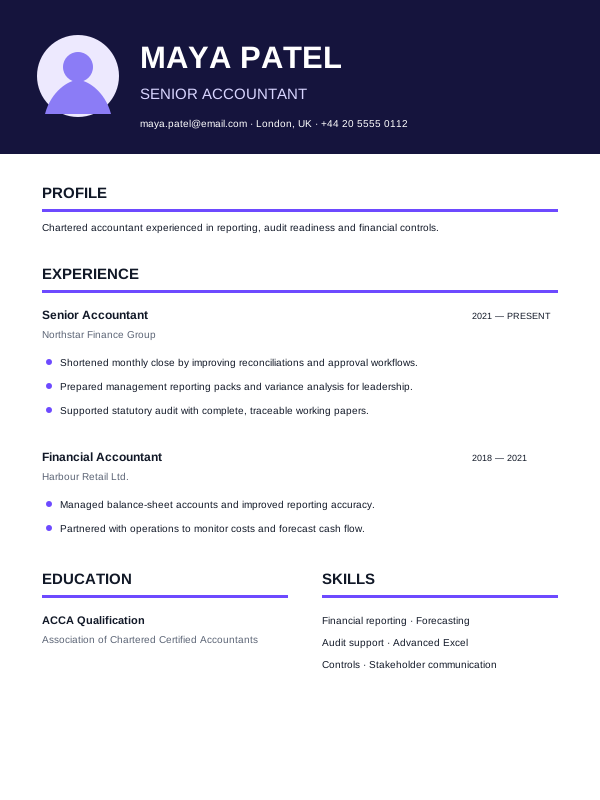
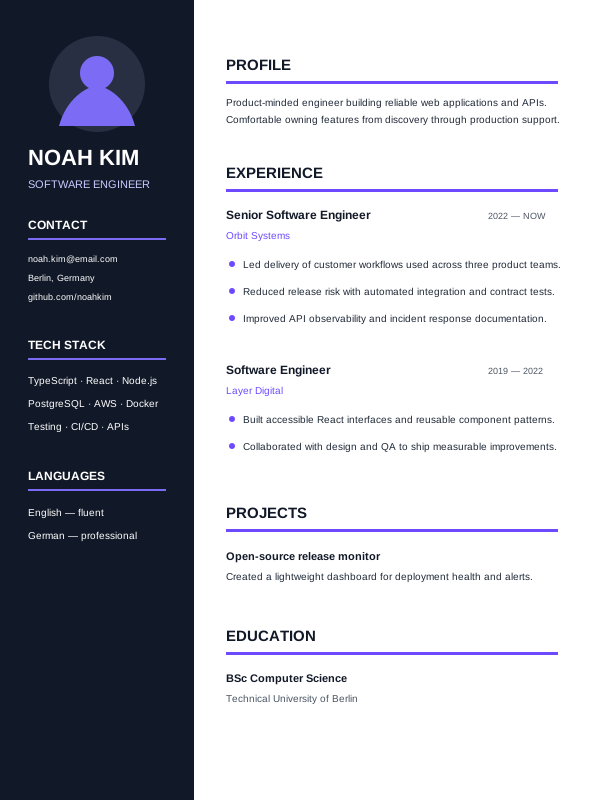
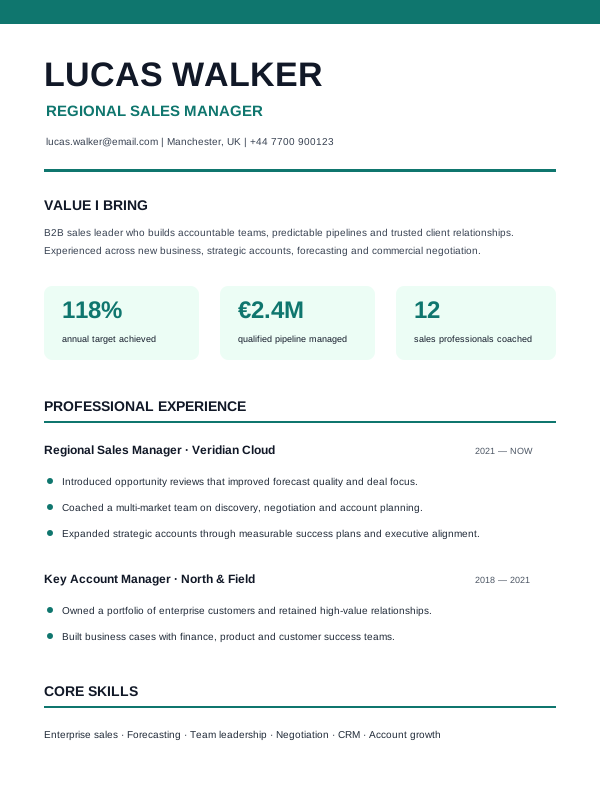
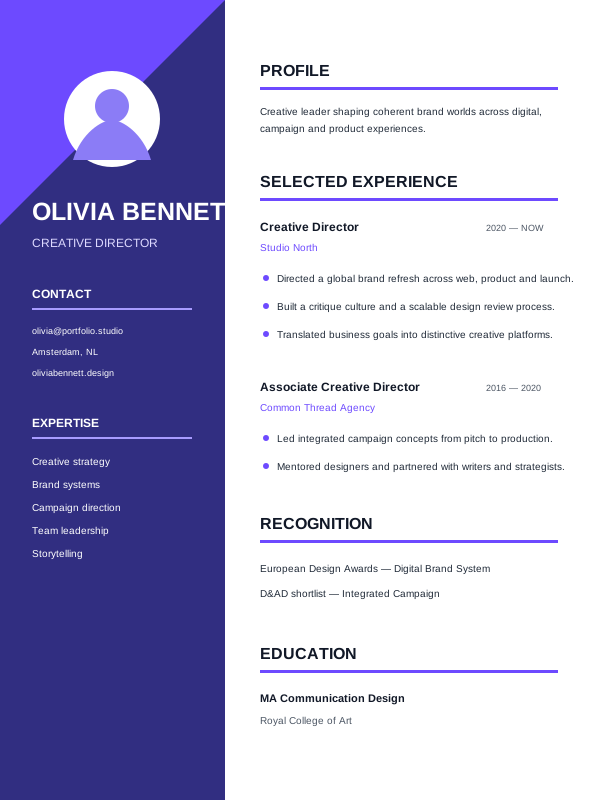

Pick a professional design that fits your industry.

Fill in your details and let AI improve your content.

Check ATS feedback and export with confidence.
 ATS Checker
Get an instant score and focused tips to improve your match.
 AI Writing Assistant
Generate clearer summaries and bullet points in seconds.
 Smart Suggestions
Personalised tips to strengthen your CV content and impact.
 Cover Letter Builder
Create a focused cover letter that matches your CV.
 Multiple Formats
Download your CV in the format the application needs.
Save a tailored version for every employer and keep the submitted document attached to the right opportunity.
Versions that stay organisedTailor without losing the source CVTrack the role, status and next action so strong applications do not disappear into browser tabs and spreadsheets.
Built-in job trackerKnow what needs follow-upUse the same CV and vacancy context to prepare focused interview questions, answers and application messages.
Interview and message prepContinue with the same evidenceYes. You can create and edit a CV with free templates. Premium templates clearly show when a subscription is needed for download.
It suggests clearer summaries and experience bullets based on the information you provide. You decide which suggestions are added.
CVGeniusLab provides ATS-safe templates and checks structure, readability, sections and job-description keywords.
Yes. You can create a focused cover letter using your CV and the role you are applying for.
Yes. Available formats include PDF, DOCX, TXT and Europass-compatible DOCX.
Your account data is protected in transit, and the platform provides controls for accessing and managing your information.
You can export your CV as PDF, ATS-friendly Word, plain text or Europass Word.
Yes. Your CVs remain editable in your dashboard, so you can tailor them for every application.
Create a professional, ATS-friendly CV in minutes and apply with confidence.
Build my CV for free →